How to Post Trial Reels on Instagram, Step by Step

How to post trial reels: build your reel the normal way, then tap Trial before you share it. After that, tap Next and Share. Strangers get it before your followers do, and the numbers come in within a day.
- What you need: a public account past the follower minimum (200 as a creator or business, 1,000 as personal) and a video you haven't posted before.
- The switch: Trial, on the screens right before you share. Trial settings sits under it and holds the auto-share option.
- The next day: open the reel, tap View insights, and read shares and saves before views.
- A winner: tap Share to everyone, or leave it running as a trial. I usually leave it.
- A flop: change 2 of these 4 things: hook text, video, caption, music. Then post it as a new trial.
What do you need before you post a trial reel?
New to all this? Read what Trial Reels are first. Then check these three things, or the switch won't do much for you.
- Your account is public and has enough followers for its type: 200 for creator and business accounts, 1,000 for personal ones.
- Instagram can recommend your account. If it can't, the Trial switch goes away until that's fixed. Account Status in your settings shows any problem.
- The video is new to Instagram. The help page warns that a trial may get limited reach if Instagram notices you've shared the same thing before.
Can't find the switch at all? That's its own problem with its own fixes, all in how to get Trial Reels on Instagram.
Source: the trial reels page in Instagram's Help Center, checked November 3, 2026.
How do you post a trial reel?
This is the full flow in the phone app. Instagram moves buttons around between versions, so if your screen looks different, look for the word Trial on the last screens before you share.
That's the whole posting part. What decides how a trial does happens before step 1: the first thing people see. Instagram's own advice is to hook people in the first 3 seconds, then check View Rate in your Insights to see how many keep watching past that point. I put my line on screen from the very first frame and keep the shot quiet, so people read it. My best lines, and the patterns behind them, are in Instagram hooks.
Keep it short, too. Instagram's help page says reels over 3 minutes won't be recommended to new audiences, and new audiences are the whole point of a trial. Mine are far shorter than that. Of the 32 reels I've had pass 100,000 views, 28 ran under 15 seconds.
Sources: Instagram's help pages on trials and recording a reel (November 3, 2026); Instagram for Creators, February 2025; my own reel lengths and views (November 2, 2026).
Should you turn on auto-share?
Under the Trial switch is Trial settings, and inside it is Share to everyone automatically. With it on, Instagram shares the trial with your followers if it's doing well soon after you post, judged on signals like views and engagement.
Watch for one catch: the setting sticks. Instagram applies it to every trial you post after that, until you switch it off again.
| Choice | Good when | The catch |
|---|---|---|
| Share to everyone automatically | You post a lot and won't check every trial | Each winner lands on your grid, and the setting carries over to future trials |
| Share by hand | You want to pick what reaches your followers | You have to open each trial's numbers yourself |
| Leave it as a trial (my pick) | You want a winner to keep finding strangers | Your followers won't get it in their Feed unless you share it |
I pick the last row most of the time. In my playbook I tell people to skip moving trials to the feed, because when I've moved them they didn't get a fresh push and sat buried on my profile. That's my experience, not an Instagram rule. If a trial is already flying, I let it keep flying where it is.
Sources: Instagram Help Center, trial reels (November 3, 2026) and my playbook, Growing on Instagram (July 2026).
What should you check after you post?
Give it a day. Instagram says trial numbers show up within 24 hours, and that trials can take longer to pick up views because they're going to strangers.
When the numbers land, I read them in this order:
- Shares and saves. A share means a stranger thought of someone else while watching. That's the best sign I know that a reel will keep traveling.
- Average watch time. In my three-hook test, the winning version held people for 8 seconds on average. The weakest held them for 5.
- Views next to my other trials. Instagram shows how a trial compares with your earlier ones. That's fairer than comparing it with a normal reel.
- Follows. The winning version of that same test brought 4,279 follows. The weakest brought 4.
Sources: Instagram's trial reels article (November 3, 2026), the creator blog launch post (December 2024) and my Insights screenshots from July 28, 2026.
Posting one Trial Reel is easy. My free video shows how I turn them into a steady habit.
Watch the videoHow do I post my trial reel to everyone?
- Open your profile, then tap the reels icon.
- Pick the trial you want to share.
- Tap View insights.
- Tap Share to everyone.
After that the reel shows on your main grid and in your Reels tab, and your followers may get it in their Feed and Reels. The help page puts no deadline on this, so sharing a week later is fine.
Source: Instagram's own steps in About trial reels on Instagram, as of November 3, 2026.
How I re-post a reel as a new trial
Running a winner again is the move that works best for me. But Instagram watches for copies, so I never post the exact same file twice. My rule is to change at least 2 of these 4 things first.
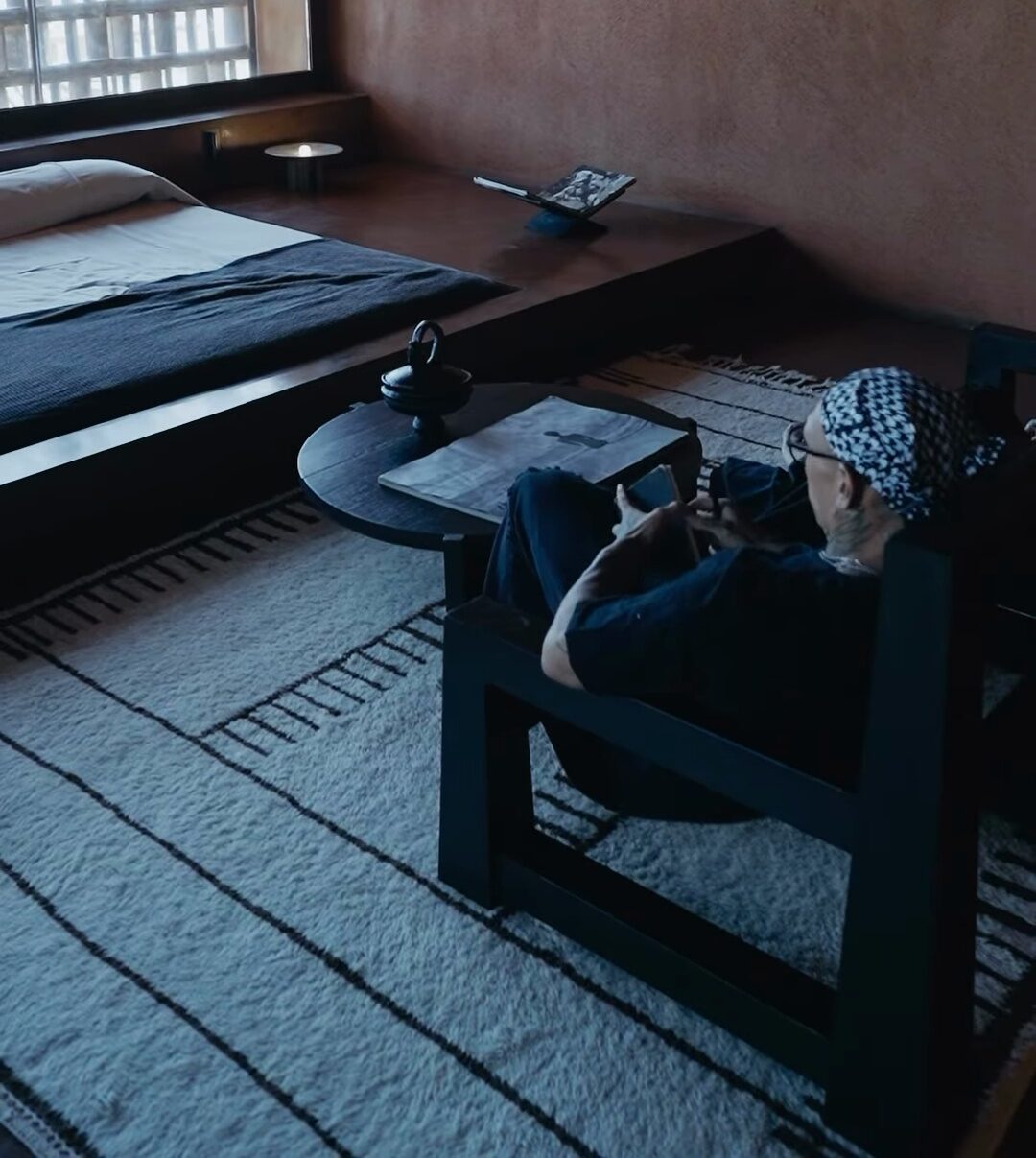
Here's a real one. I posted the same clip of me in a concrete bedroom three times, and each version had its own line on screen and its own song. By the time I saved my Insights screenshots in July 2026, the versions had 2,758, 85,878 and 747,760 views. Same room, same footage, and the best did about 271 times the weakest. Results like that aren't a promise of yours, and plenty of my own versions never pass a few thousand views. I take that test apart in are Trial Reels worth it.
Two more habits. I wait a month or two before running a winner again, so the first one has room to breathe. And I don't do it every day: one or two proven videos a week is plenty.
Sources: my playbook (July 2026), lines and songs from my public reels (collected November 2, 2026), my Insights (July 28, 2026), Instagram's help page.
Mistakes that waste a trial
- Posting a copy of a reel you just shared. Some tutorials suggest posting a duplicate as a trial. Instagram's help page warns that repeats can get limited reach, so change it first.
- Judging it after an hour. Numbers arrive within 24 hours, and trials can be slow to start because they go to strangers.
- Forgetting auto-share is on. It stays on for every future trial until you turn it off.
- Sharing a trial to your Story. My own rule: don't, unless you plan to move it to your grid anyway.
- Posting too many in one day. My rule is 5 at most. The reasons are in my daily trial limit guide.
Sources: Help Center guidance on trials, read November 3, 2026, and the rules in my July 2026 playbook.
Questions people ask
Why can't I post trial reels?
The usual reasons are a private account, too few followers (200 on a professional account, 1,000 on a personal one), or an account Instagram can't recommend right now. Updating the app can also bring the switch back.
How many followers do you need to post trial reels?
You need 200 if you run a creator or business account. A personal account needs 1,000. Both have to be public.
Can I post a trial reel anytime?
Yes. Instagram doesn't set a window for trials. Post when the video is ready, then judge it by its numbers the next day.
Can I turn on auto-share for just one trial?
Not really. Once you turn on Share to everyone automatically, Instagram applies it to every trial you post after that until you turn it off.
Can I post a trial reel from a scheduling app?
Some apps can. Meta's developer docs let apps publish trial reels and choose between sharing by hand and sharing automatically. Check that your app supports it.
Sources: Instagram's trial help page and Meta's content publishing docs, both read November 3, 2026.
One Trial Reel is a test. A system keeps it going. The free video lays out my posting routine and the 30-day plan in about 10 minutes.
Don't see the option yet? Here's how to get Trial Reels on Instagram.